Viewing in PCRT
How to view scheduled appointment information in PCRT
Appointments that are scheduled through our UPCC website will generate temporary appointment information in PCRT. You can view this information by going to the Check-in page of PCRT.
Viewing Appointment Information
On this page, will see three sections: Check-in Asset/Device, Pre-check ins, and Appointments.
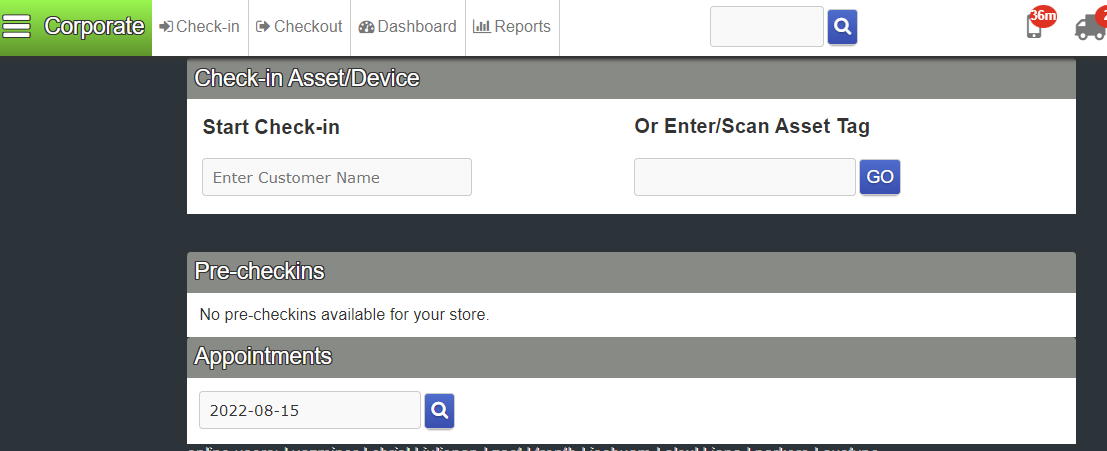
To view any appointments go into the Appointments section and enter the date you want to view appointments for. Click the magnifying glass to begin the search for appointments. Any appointments scheduled for the date entered will load (load times can vary depending on volume). They will look similar to the list below:
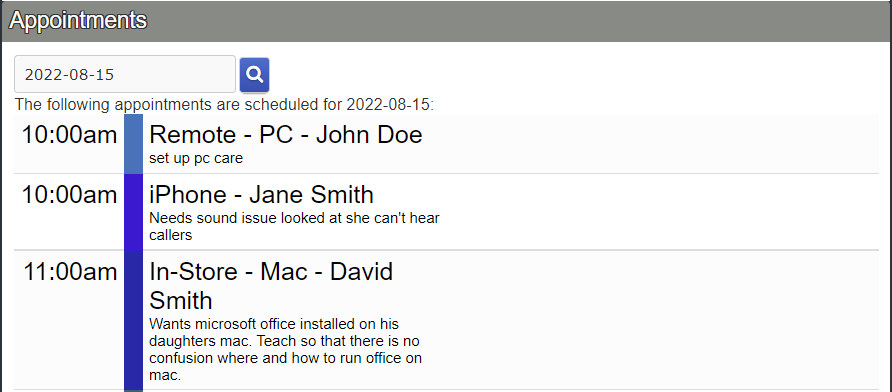
The information listed will include the appointment time, problem description, appointment type and customer name.