Creating Quotes
This article covers how to create quotes.
Creating Quotes
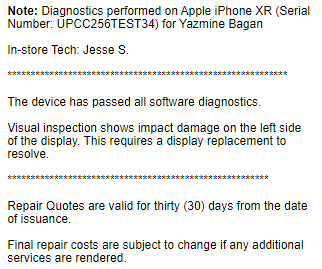
Creating a quote is nearly identical to creating an invoice. The parts where it differs is the template used from the Invoice Templates will be the Insurance Quotes template. You will also need to go directly off the technician notes as they will have details from their diagnostics that specify the reason for the suggested repairs.
Before clicking the Create* Invoice* button after adding the appropriate notes, change the drop down menu option from _Invoice_ to *_Quote_. *This will let the system know not to treat it as an invoice and mark it “Overdue” after the allot time period.
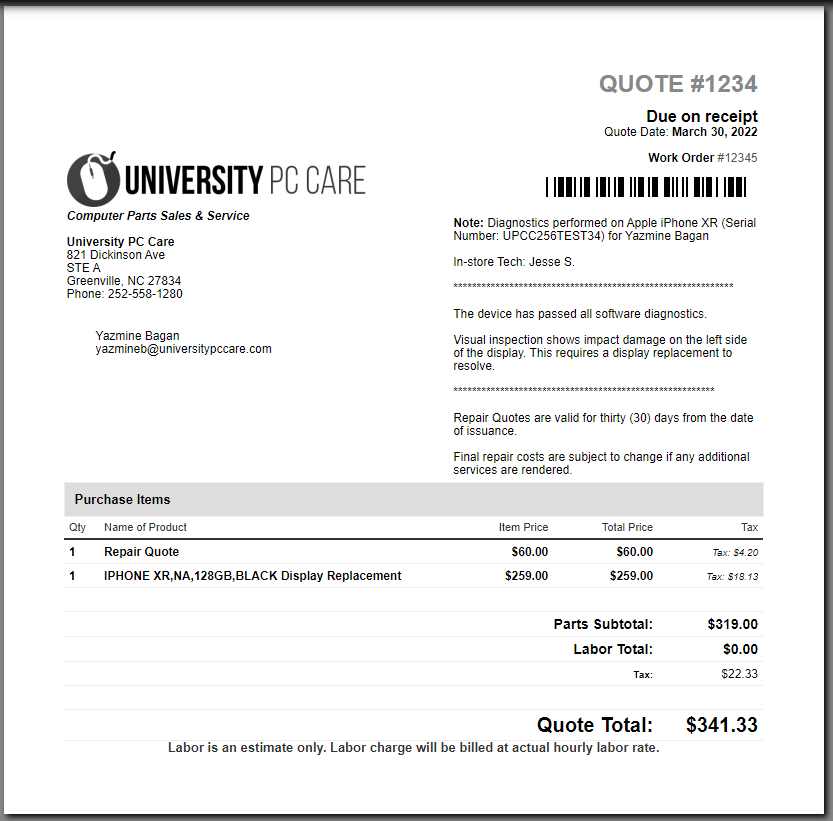
After clicking Create Invoice, you will load to the print page. DO NOT email quotes directly to the customer unless the customer has already paid the Insurance Quote cost. Detailed quotes are provided at the current minimum service fee. Once the fee has been paid, then the quote can be emailed, sent via post or provided to the customer directly. The final quote will look similar to the image below: