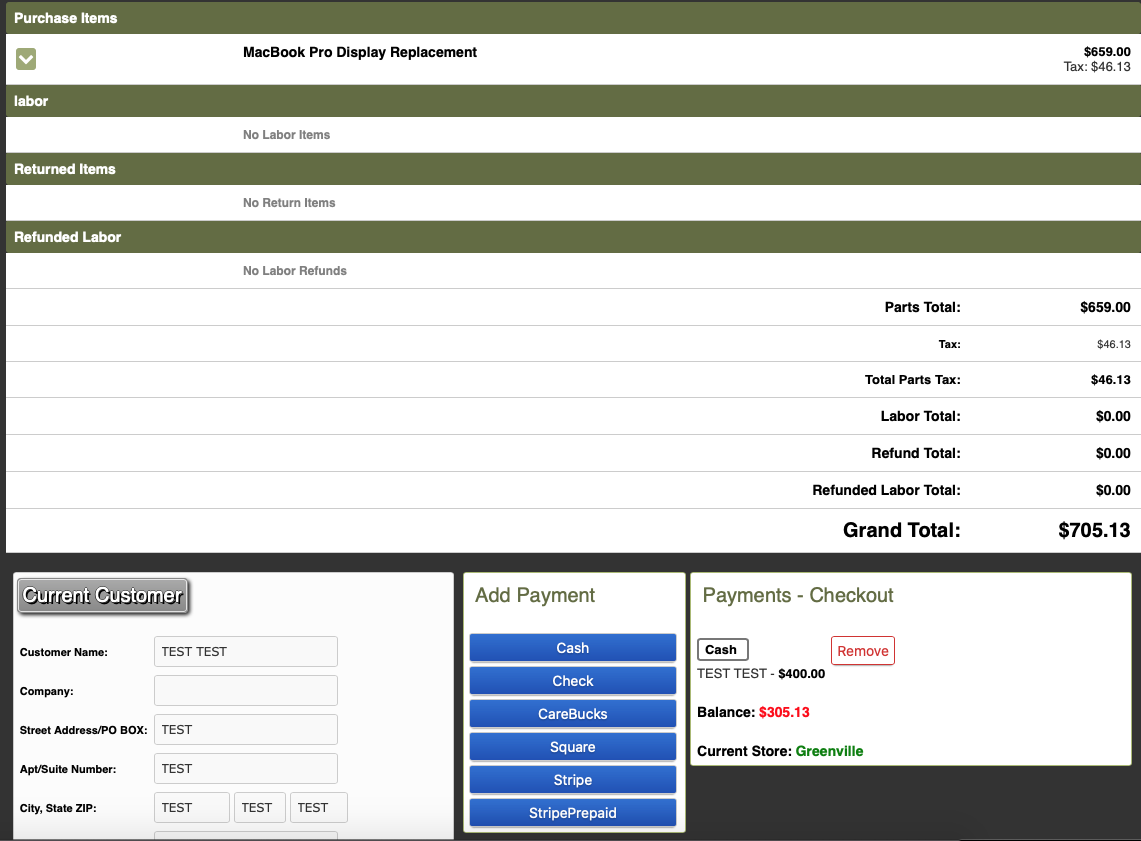
Multiple Forms of Payment
Sometimes customers will want to pay for a repair with multiple forms of payment. In these situations we must be careful to mark everything appropriately so that the customer is not over charged and we are not underpaid.
- Open the customers Work Order
- Make sure to go ahead and Build The Cart if it is not already done.
- Click “Check out”
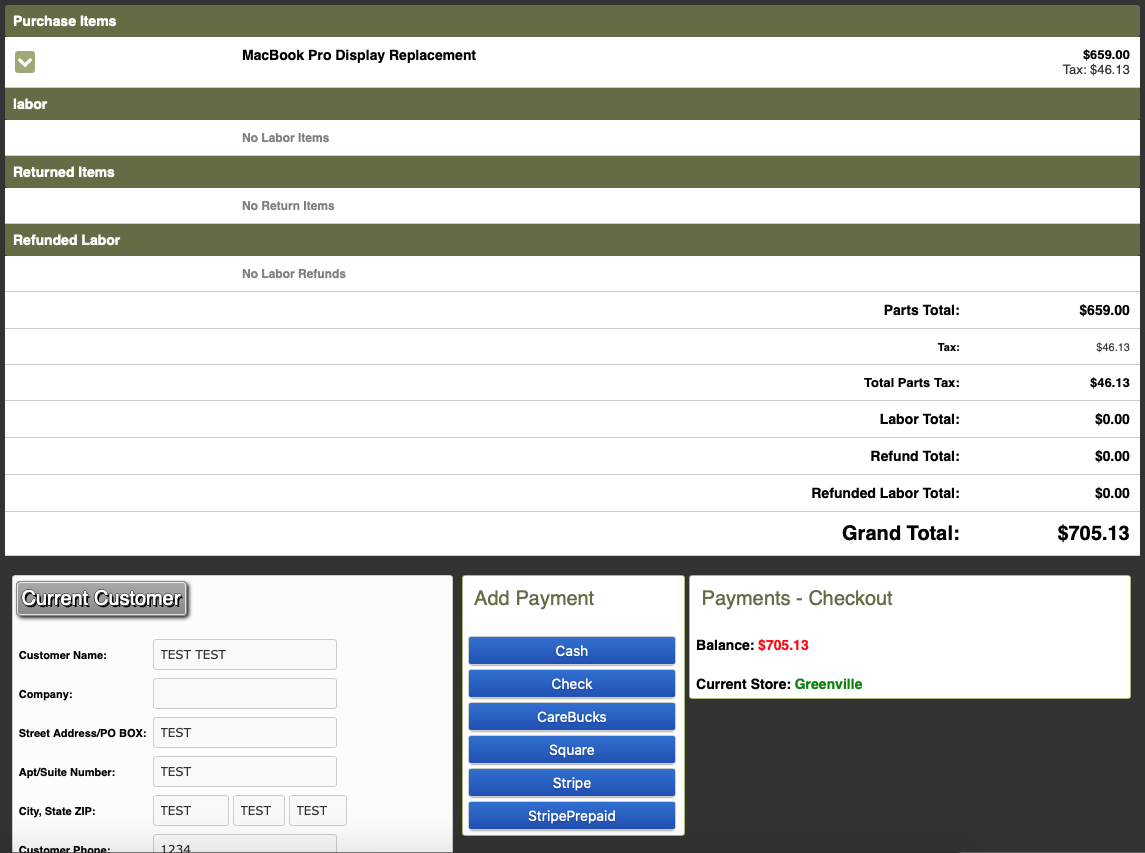
Select their main form of payment first. If one of their forms of payment is cash, start with that.
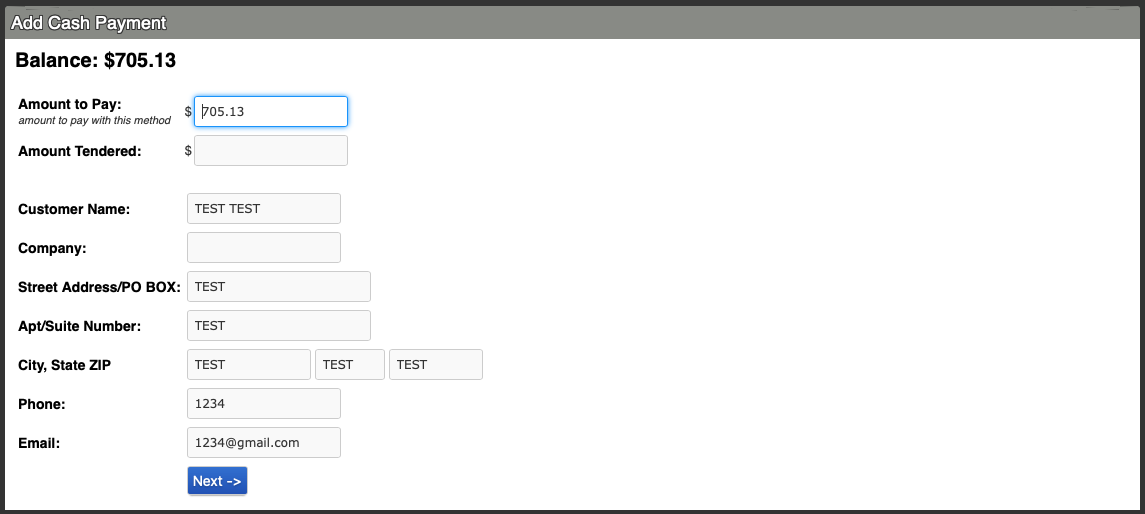
Enter the amount they want to pay and hit next.
- The amount they want to pay will show up in the bottom right corner, as well as the amount they still need to pay.
- Repeat steps 5 - 6 for the second form of payment.
Once both payment methods are in, the payments should match the total balance now (the balance should show 0), and you can click checkout.